
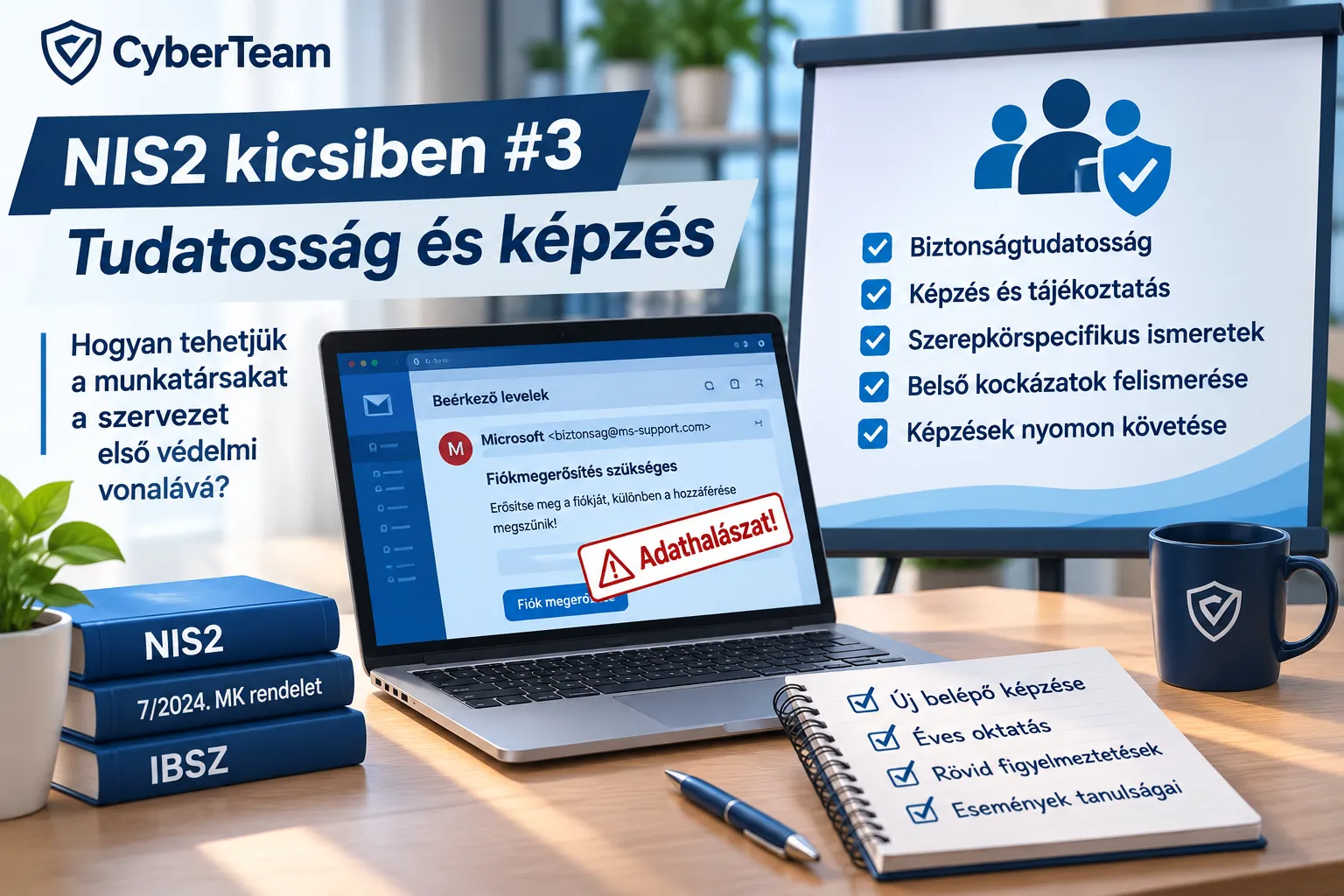
In Part 3 of our “NIS2 for Smaller Organizations” series, we look at the Awareness and Training family of requirements in Hungarian Decree 7/2024 (VI. 24.) MK.
Our starting point is still a small organization:
- 8–10 employees;
- no dedicated information security department;
- IT tasks handled partly or entirely by an external system administrator;
- the information security officer may also be external;
- no dedicated learning management or e-learning platform.
It is easy to confuse compliance with sending around a PDF once a year or collecting signatures on an attendance sheet. Yet the real purpose is far more important: employees should recognize when something is suspicious and know what to do next.
A well-prepared user will often spot an attack before a technical security system does.
3.1 – Policies and procedures
What does the regulation require?
The organization must establish an awareness and training policy and procedures supporting its implementation.
Among other things, it must define:
- the purpose and scope of training;
- roles and responsibilities;
- management commitment;
- how people within the organization cooperate;
- who owns the policy;
- how often it is reviewed;
- and which events trigger an extraordinary update.
Why is this useful for the organization?
Because security awareness becomes an established process rather than a one-off activity.
Instead of realizing in December that no training has taken place this year and rushing to send something out, we decide in advance who trains whom, on which topics and when.
This is especially valuable in a small organization, where one person may perform several jobs and such tasks are easily forgotten.
How can we do this simply?
A separate policy document is not always necessary. The information security policy (IBSZ), or an appendix to it, can record a few essential rules:
- new employees receive security training when joining;
- all system users attend regular refresher training;
- a significant security incident or material system change triggers an additional briefing;
- the information security officer (IBF) is responsible for keeping the training content professionally up to date;
- management ensures that everyone concerned participates.
This already creates a simple, manageable system.
3.2 – Security awareness training
This is the central element of the requirement family.
What exactly does the regulation require?
The organization must provide security awareness training for the users of its systems.
One important detail: this does not mean employees alone. The regulation expressly includes managers, senior management and contractors.
Training takes place when a user first joins and thereafter at intervals specified by the organization. Additional training or communication is needed when changes to an electronic information system (EIR) make it necessary, or when an organization-defined event occurs.
The organization must also decide which methods it uses to increase users’ security awareness, update learning materials regularly and incorporate lessons from internal and external security incidents.
Why is this useful for the organization?
Most colleagues are not IT specialists. We cannot expect them to know instinctively:
- what a phishing email looks like;
- how to recognize a fake Microsoft sign-in page;
- when an attachment is suspicious;
- what to do after accidentally disclosing a password;
- how to handle an unknown USB stick;
- when to notify IT or the information security officer.
Explaining these situations in advance makes it much more likely that an incident will be discovered in time.
Training is not useful because we have a document proving that it happened. It is useful because users learn to recognize attacks.
How can we do this simply?
An organization of 8–10 people does not need its own e-learning system. I would build the program around three straightforward elements.
1. A short introductory session for new colleagues
In 20–30 minutes, cover:
- passwords and authentication;
- email and phishing;
- use of company devices;
- removable media;
- remote working;
- reporting security events;
- who to contact when something goes wrong.
2. Regular refresher training
For example, a 45–60-minute session once a year.
The regulation does not prescribe annual training: the organization itself defines the frequency. For a small organization, an annual session can be a realistic starting point.
3. Short reminders between training sessions
Not every situation calls for another hour-long course.
When a new type of fraudulent email appears, a short internal message may be enough:
“These messages are circulating. Do not click the link. If you received one, please report it.”
This can be more useful than a long session held only once a year.
Do not repeat the same training every year
One key part of requirement 3.2 is incorporating lessons from internal and external security incidents into training.
That is easy to achieve in a small organization. Suppose a colleague receives a phishing email linking to a fake Microsoft 365 sign-in page.
At the next session, we can show an appropriately anonymized example: what arrived, what made it suspicious and what the correct response would have been.
This makes training immediately relevant to employees’ everyday work.
3.4 – Insider threats
This requirement also applies in the Basic security class. The organization must prepare employees to recognize and report possible signs of insider threats.
What does “insider threat” mean?
It does not necessarily mean a malicious employee. The source of an insider threat may be:
- a colleague deliberately taking data out of the organization;
- a careless user;
- someone abusing their access rights;
- a compromised user account;
- access retained by a former employee.
Why is this useful for the organization?
A colleague can notice warning signs that technical controls may miss. Examples include:
- someone copying an unusual number of documents;
- seeking data unrelated to their work;
- trying to obtain access to a system they do not need;
- using unfamiliar removable media;
- trying to work using another user’s account.
It is important not to turn this into a culture of reporting on colleagues.
The aim is simply to provide a clear place to report genuinely unusual or potentially dangerous IT activity.
How can we do this simply?
Add a short 10–15-minute block to the annual training: “What unusual events should we report?”
Everyone should know whom to notify: for example, the system administrator and information security officer, or another designated contact person.
3.9 – Role-based security training
Here the regulation goes a step further: not every user needs the same knowledge.
What exactly does the regulation require?
The organization must provide role-based security training:
- before authorizing access to an EIR or information, or before carrying out assigned tasks;
- thereafter at the frequency defined by the organization;
- and when changes to the EIR make training necessary.
Role-specific learning materials must be updated regularly, and lessons from security incidents must also be incorporated.
Why is this useful for the organization?
Someone who only uses email and documents needs different security knowledge from someone who:
- manages the NAS;
- administers the MikroTik router;
- publishes content on the website;
- works with financial systems;
- grants access rights;
- or performs information security duties.
An administrator needs to know how to manage VPN accounts. A website editor needs to understand what can and cannot be published.
How can we do this simply?
We do not need a separate program for each person. Add a handful of short role-specific modules to the general training.
For example:
All employees: phishing, passwords and incident reporting.
System administrator: user permissions, backups, VPN, logging and updates.
Website editor: checks before publication, personal data and non-public information.
Manager: security responsibilities, decision-making and management of incidents.
These additions may take as little as 15–30 minutes.
3.13 – Documenting security training
What does the regulation require?
The organization must:
- document and track information security training activities;
- include both general and role-based training;
- retain the training records for a period defined by the organization.
Why is this useful for the organization?
Above all, it tells us who has already received training and who has not.
There is no guesswork when a new person joins. When someone changes roles, we can see whether extra role-specific training is required and which subjects have already been covered.
How can we do this simply?
A learning management system is unnecessary. A simple table will do:
| Name | Training | Date | Type | Completed |
|---|---|---|---|---|
| Kovács Anna | Security awareness 2026 | 2026.03.12. | general | yes |
| Nagy Péter | Security awareness 2026 | 2026.03.12. | general | yes |
| External IT | System administrator security training | 2026.02.10. | role-based | yes |
Alongside it, keep:
- the training material;
- the list of participants;
- any simple quiz results, if a quiz was used.
How much does all this cost?
This requirement family is a particularly good example of the “NIS2 for Smaller Organizations” approach.
We did not have to:
- buy an e-learning system;
- introduce a dedicated training platform;
- hire an external instructor every month.
Instead, we can use:
- a LibreOffice Impress presentation;
- PDFs or short internal briefing documents;
- Microsoft Teams or face-to-face training;
- a simple Calc/Excel training register;
- short internal email alerts.
The financial cost can therefore be minimal. Time and consistency are the more important investment.
A simple annual model
For an organization of 8–10 people, the complete program could look like this:
New starter: 20–30 minutes of basic security training.
Once a year: 45–60 minutes of general security awareness training.
When needed: a 10–15-minute role-specific addition.
During the year: short alerts about current threats.
After a security incident: incorporate the lessons into the next session.
What does the organization gain?
With an effective awareness program, an employee is more likely to:
- recognize a phishing email;
- avoid entering their password on a fake website;
- notice unusual behavior;
- avoid automatically connecting an unknown USB stick;
- know what to do if a device is lost;
- and most importantly, know when and to whom to report a problem.
That last point is essential. An information security incident often becomes serious not because somebody made a mistake, but because nobody raised the alarm in time.
Security awareness training is therefore not about turning every employee into an information security expert.
Its purpose is much simpler: recognize when something is wrong and feel confident enough to speak up.
Now it is your turn
How do you deliver security awareness training in a small organization?
- Annual training?
- Short internal briefings?
- Online courses?
- Do you use real incidents as training examples?
Share your experience in the comments under our social media post.
We continue collecting workable solutions for small organizations for the “NIS2 for Smaller Organizations – A Practical Guide” publication planned at the end of this series.
At CyberTeam Kft., we do not want participants to spend an hour merely listening to security jargon.
What matters is that the next day, when a suspicious email arrives, they remember what to do.
Vass Gergely Zoltán · information security specialist · CyberTeam Kft.
The illustration accompanying this article was created with the assistance of artificial intelligence.