
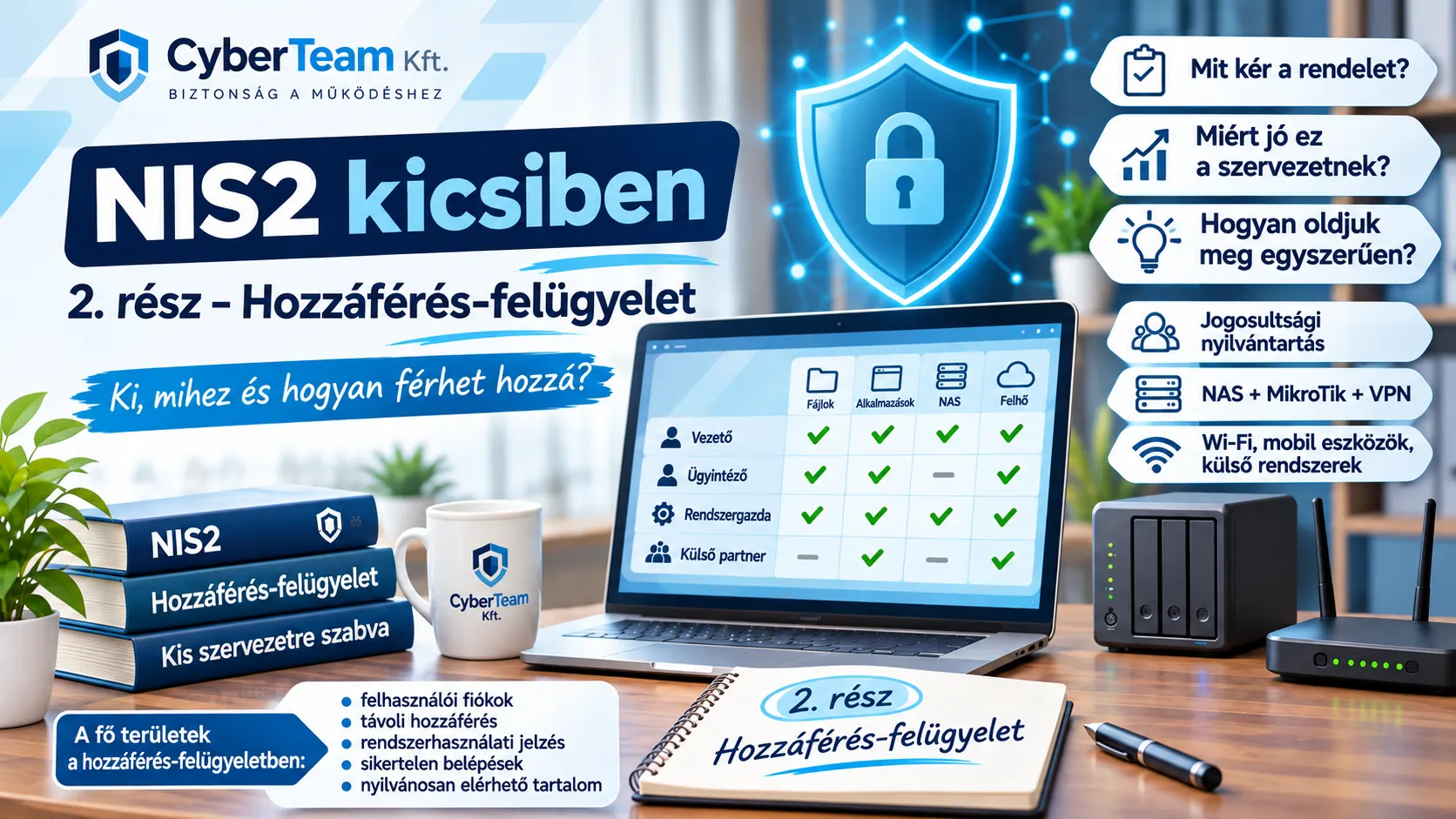
In part two of our “NIS2 for Smaller Organizations” series, we look at the Access Control requirements of Hungary’s 7/2024 (VI. 24.) MK Decree.
Our example environment remains simple:
- 8–10 employees;
- a few Windows workstations;
- one NAS;
- a MikroTik router;
- internet access;
- several external or cloud-based business systems;
- an external system administrator.
There is no Active Directory, no IAM platform and no dedicated IT department.
Our goal is not to turn this into enterprise infrastructure. We will see what the decree requires in practice, why each requirement helps a small organization and how existing tools can meet it.
2.1 – Policies and procedures
What does the decree require?
The organization must regulate access management. It must define objectives, scope, roles and responsibilities, internal cooperation, policy ownership, review frequency and events that trigger an exceptional review.
Why does this help?
The administrator should not have to decide independently each time who may access what. It becomes clear who authorizes, who implements and who checks.
How can we do it simply?
We do not need a separate multi-dozen-page access policy. The information security policy (IBSZ) or a short annex can state: management approves → the system administrator implements → the information security officer (IBF) oversees the process.
Also document how access is requested, changed and revoked, and how often permissions are reviewed.
2.2 – Account management
What does the decree require?
Define permitted and prohibited account types, account managers, authorized users, associated rights, approvals for new accounts, and procedures for creating, changing, disabling and deleting accounts. Specify when account managers must be informed and how often accounts are reviewed. Align the process with employees leaving the organization.
Why does this help?
An access right that nobody remembers is a serious risk. Typical examples include an ex-employee's still-active NAS account, a former IT contractor's VPN access, an unused mailbox or a shared password known to someone who has left. These often persist simply because there is no offboarding process.
How can we do it simply?
Maintain one user and access-rights register. For example:
| Name | System | Username | Permission | Approved by | Status |
|---|---|---|---|---|---|
| Anna Kovács | NAS | k.anna | Finance | Manager | Active |
| Péter Nagy | NAS | n.peter | Shared | Manager | Active |
| External IT | MikroTik | it-admin | Admin | Manager | Active |
Use one lifecycle: JOINER → CHANGE → LEAVER.
On departure, check Windows accounts, the NAS, email, VPN, business systems, other services and organizational devices. Change shared credentials the departing person knew.
2.15 – Enforcement of access-control rules
What does the decree require?
Systems must actually enforce approved permissions. Writing a permission down is not enough; technical settings must match it.
Why does this help?
If only two people need financial documents but everyone can access the Finance folder on the NAS, the permissions register offers no protection. Correct settings reduce accidental deletion, unauthorized disclosure and potentially the reach of malware.
How can we do it simply?
Create a few sensible NAS groups, for example Kozos (Shared), Penzugy (Finance), Vezetes (Management) and IT_Admin. Assign users to those groups and enforce folder rights accordingly. A small organization may be able to rely on the NAS's built-in group management.
2.71 – Unsuccessful login attempts
What does the decree require?
Specify how many consecutive failed login attempts are permitted, within what period and what happens after the threshold. The system must lock access or introduce an appropriate delay, and the administrator must be notified when the defined threshold is exceeded.
Why does this help?
An attacker should not be able to try unlimited passwords. Lockout or delays significantly slow automated guessing. Repeated failures may also signal an ongoing attack.
How can we do it simply?
For instance: 5 failed attempts within 15 minutes → 15-minute lockout. This is an example, not a value prescribed by law.
Apply the agreed rule where supported: Windows, the NAS, VPN and other self-managed systems. Enable administrator alerts where the platform provides them.
2.75 – System-use notification
What exactly does the decree require?
A generic login warning is not enough. Users must be told that:
- they are using the organization's electronic information system;
- system use may be monitored, recorded and logged;
- unauthorized use is prohibited and may result in criminal or civil liability;
- continuing to use the system constitutes acceptance of these conditions.
The message must remain visible until the user accepts the terms and takes an explicit step to proceed.
Why does this help?
It makes clear that workplace systems are organizational resources, activity may be logged and unauthorized use is forbidden. This can matter when logs must later be reviewed after an incident.
How can we do it simply?
Configure a Windows logon notice, for example:
NOTICEYou are using the electronic information system of [Organization name]. The organization may monitor, record and log use of this system. Unauthorized use is prohibited and may result in criminal or civil liability. By continuing, you accept these conditions.
No additional software is required.
2.88 – Activities permitted without identification or authentication
What does the decree require?
Determine which activities can take place without identification or authentication, and document and justify them in the system security plan.
Why does this help?
It distinguishes public from non-public resources. Anyone may read public website news, but they must not be able to browse the NAS. Without this boundary, internal services may accidentally become externally accessible.
How can we do it simply?
A short list may be sufficient:
| System | Allowed without authentication |
|---|---|
| Website | Viewing public information |
| NAS | None |
| VPN | None |
| Business system | None |
2.100 – Remote access
Our example's external administrator occasionally needs to connect remotely.
What does the decree require?
For every authorized remote-access type, define usage restrictions, configuration and connection requirements, and operating procedures. Access must be approved before it is technically enabled.
Why does this help?
Remote access is a door into the organization's network. Leaving that door open or not knowing who has the key creates risk, especially when a former provider still has access.
How can we do it simply?
Use the existing MikroTik router: Internet → VPN on MikroTik → internal network → NAS or required system.
Avoid exposing the NAS directly to the internet wherever possible. Give the external administrator an individual VPN identity. Record who may connect, why, who authorized it and when access must end. No additional VPN appliance is needed.
2.108 – Wireless access
What does the decree require?
Define wireless configuration requirements, connection conditions and usage rules. Wireless access must be authorized.
Why does this help?
Wi-Fi signals do not stop at office walls: they may reach corridors, nearby offices, streets or car parks. It matters who knows the access credentials and which devices can connect.
How can we do it simply?
Do not build an unnecessarily complex wireless network. If internal Wi-Fi is needed, protect it appropriately, give access only to people who need it, never display its password publicly and restrict configuration changes to authorized personnel. If guest Wi-Fi is unnecessary, leave it disabled.
2.113 – Access control for mobile devices
What does the decree require?
Define configuration, connection and usage conditions for mobile devices, and authorize mobile access.
Why does this help?
Phones can be lost, stolen, borrowed by family members or left unattended. A lost phone with organizational email or documents may become an information-security incident, not merely the loss of a personal item.
How can we do it simply?
Decide whether personal phones are allowed, whether they can access organizational email or the NAS, whether a screen lock is mandatory and what to do when a device is lost.
Example rule: remote NAS access from a mobile device is permitted only through VPN. A full mobile device management (MDM) system is not necessarily the first step; clear rules come first.
2.115 – External electronic information systems
What does the decree require?
Define conditions for using external systems, including access from personal devices and processing organizational data on external platforms.
Why does this help?
Otherwise employees may choose to email documents to their personal Gmail account, upload them to a private Google Drive, carry them home on a USB stick or work on a personal computer. Usually this is about convenience, not bad intentions.
How can we do it simply?
Adopt one clear rule: Organizational data may only be processed in information systems and storage locations approved by the organization.
Then list the permitted services, such as organizational email, the NAS and approved business systems. Do not use unapproved services for organizational information.
2.124 – Publicly accessible content
What does the decree require?
Designate who may publish, train them not to disclose non-public information, review content before publishing, periodically recheck published content and remove non-public information that was mistakenly made public.
Why does this help?
One incorrectly uploaded document can expose personal data, internal notes or confidential attachments. Removal does not guarantee that copies are no longer accessible elsewhere.
How can we do it simply?
Use a simple workflow: draft → review → publish. Even two people can be enough for a small organization. For instance, an administrator drafts a document, a manager checks it and a designated colleague publishes it. Also set a review frequency for existing public content.
What have we achieved?
We have not introduced Active Directory, an IAM suite, a new firewall, a GRC platform or enterprise MDM. We started with Windows, a NAS, MikroTik and straightforward records.
Yet the organization now understands who has access, who approved it, how to revoke it, how remote connections are secured, which devices are allowed and who may publish information.
Cybersecurity requirements are not merely paperwork. Behind many of them lies a simple question: What problem are we trying to prevent? Once we understand that, finding a solution that works for a small organization becomes much easier.
Now it's your turn
Which aspect of access control is hardest for a small organization: user permissions, offboarding, an external administrator's remote connection, mobile phones or managing the same person's access across several systems?
Share your experience in the comments under the related social media post.
We are still collecting workable ideas for the “NIS2 for Smaller Organizations – A Practical Guide” publication planned at the end of the series.
At CyberTeam Kft., we first try to understand why a security requirement exists, and only then choose a solution that fits the organization's size and operations.
The goal is not to introduce the largest number of security systems. It is to have fewer problems.